How to Print a Monster Truck Welcome Sign (Size, Paper & Pro Tips)
Choosing a great Monster Truck Welcome Sign design is only half the job.
The other half — the part that truly makes a difference on party day — is printing it correctly.
A poorly printed sign can look pixelated, bend at the entrance, or lose its impact in photos. A well-printed one becomes the focal point of the celebration.
After designing thousands of personalized welcome signs, we’ve seen exactly what works — and which mistakes happen again and again.
In this guide, we’ll show you how to print your Monster Truck Welcome Sign professionally — even if you’re organizing everything from home.
If you’re still planning the full celebration, you can read our complete step-by-step party guide here:
👉 Read the Complete Monster Truck Party GuideRecommended Sizes for a Monster Truck Welcome Sign
These are the most popular and practical sizes:
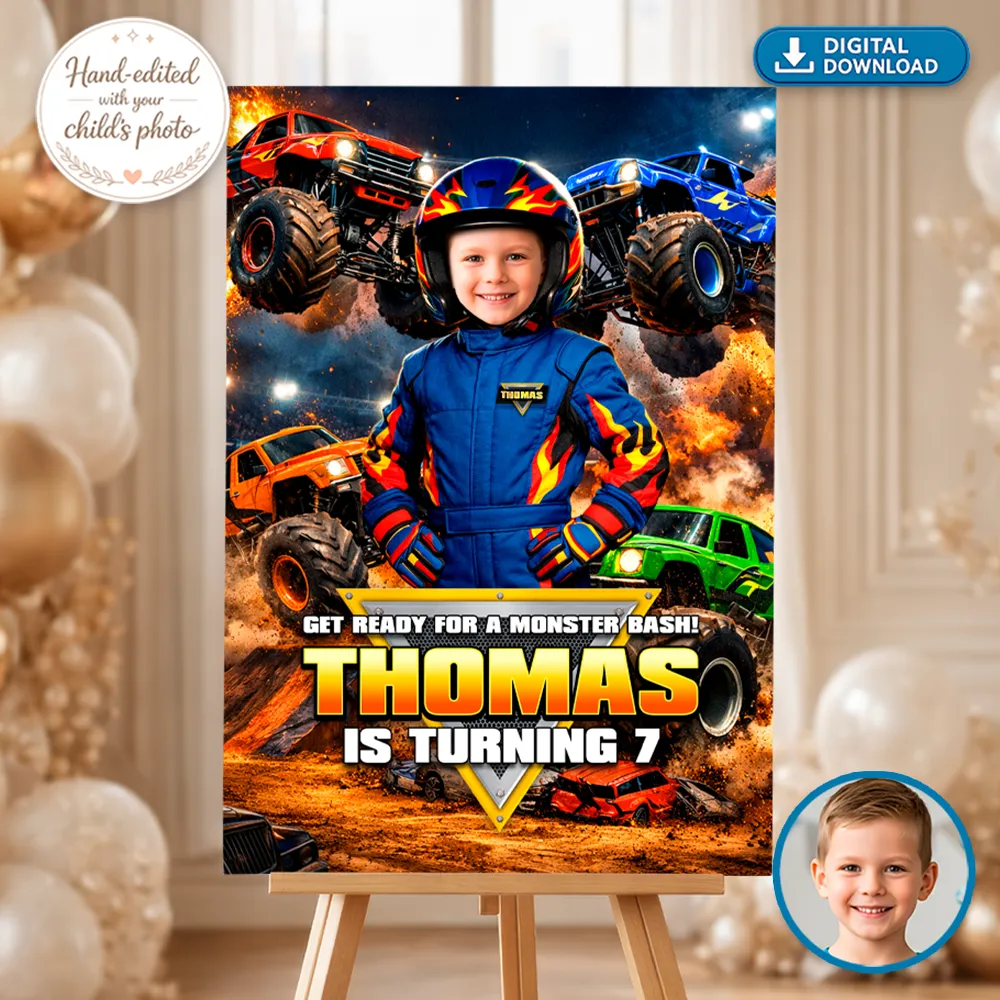
18×24 Inches
The most versatile option.
- Perfect for indoor spaces and medium-sized rooms
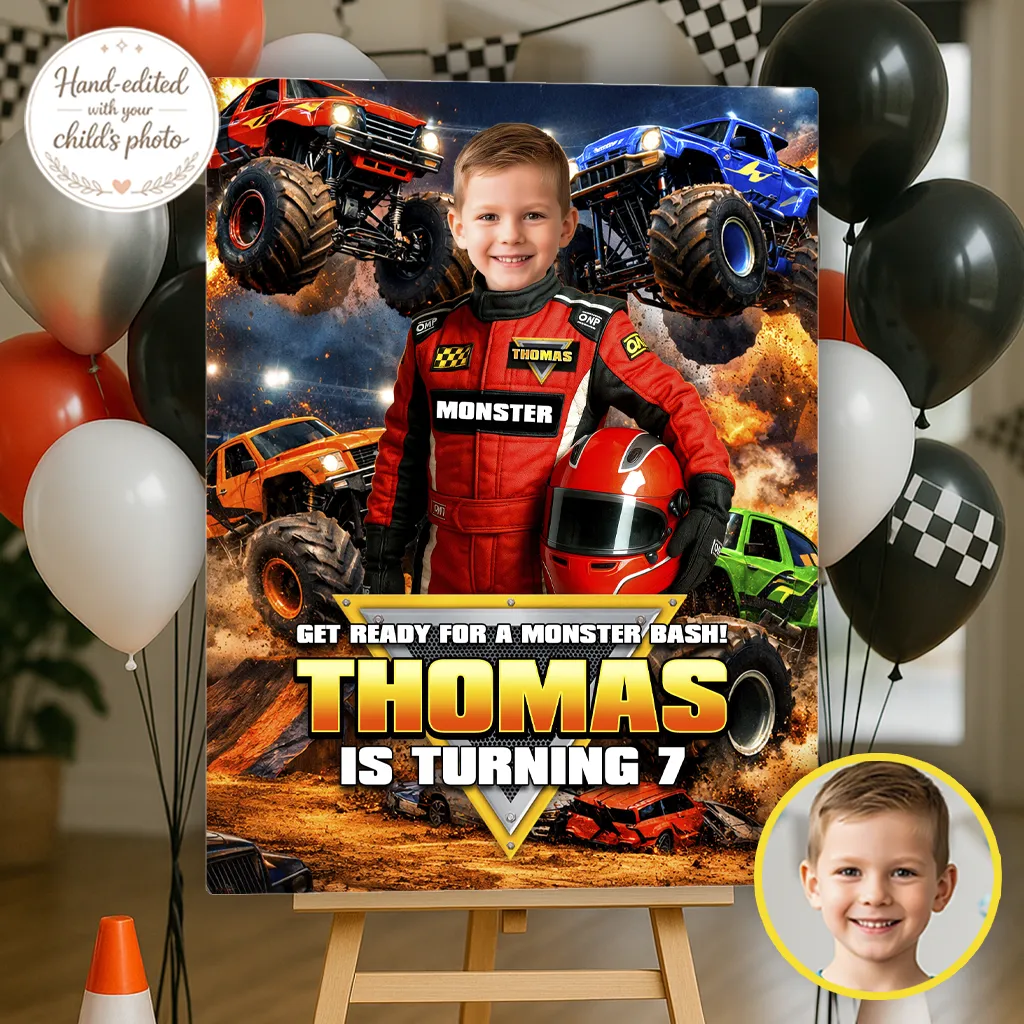
- Easy to place on a standard easel
- Simple to transport and store
24×36 Inches
Bigger. Bolder. More impactful.
- Ideal for larger venues or outdoor parties
- Creates a stronger focal point for family photos
- Feels more like a real event entrance
Which One Should You Choose?
- Small space → 18×24 inches
- Large space or outdoor setup → 24×36 inches
- Not sure? → Go bigger. The visual impact is worth it.
Pro Tip: A welcome sign that’s too small loses presence in photos. When in doubt, size up.
What’s the Best Paper or Material for a Monster Truck Welcome Sign?
This is where many people hesitate.
The most common printing options are:
1️⃣ Poster Paper (Thick Poster Stock)
- ✔ Budget-friendly
- ✔ Easy to find at local print shops
- ✔ Great quality if your file is high resolution
Best if you plan to place it inside a frame.
2️⃣ Heavy Cardstock
- ✔ More rigid than standard paper
- ✔ Good option for medium-sized prints
Not recommended for 24×36 prints, as it can start to curve.
3️⃣ Foam Board (Recommended)
- ✔ Rigid and durable
- ✔ Clean, professional finish
- ✔ No frame required
- ✔ Perfect for easel display
This is the option we recommend most when you want a polished and elegant look.
Most print shops like Staples, FedEx Office, or Officeworks (Australia) offer foam board mounting upon request.
Print at Home vs Print Shop
This is a practical decision.
🖨 Print at Home
Only recommended if:
- The size is small.
- You have a high-quality printer.
- The file is properly optimized.
Common issue: Most home printers cannot handle large formats without splitting the design into multiple pages.
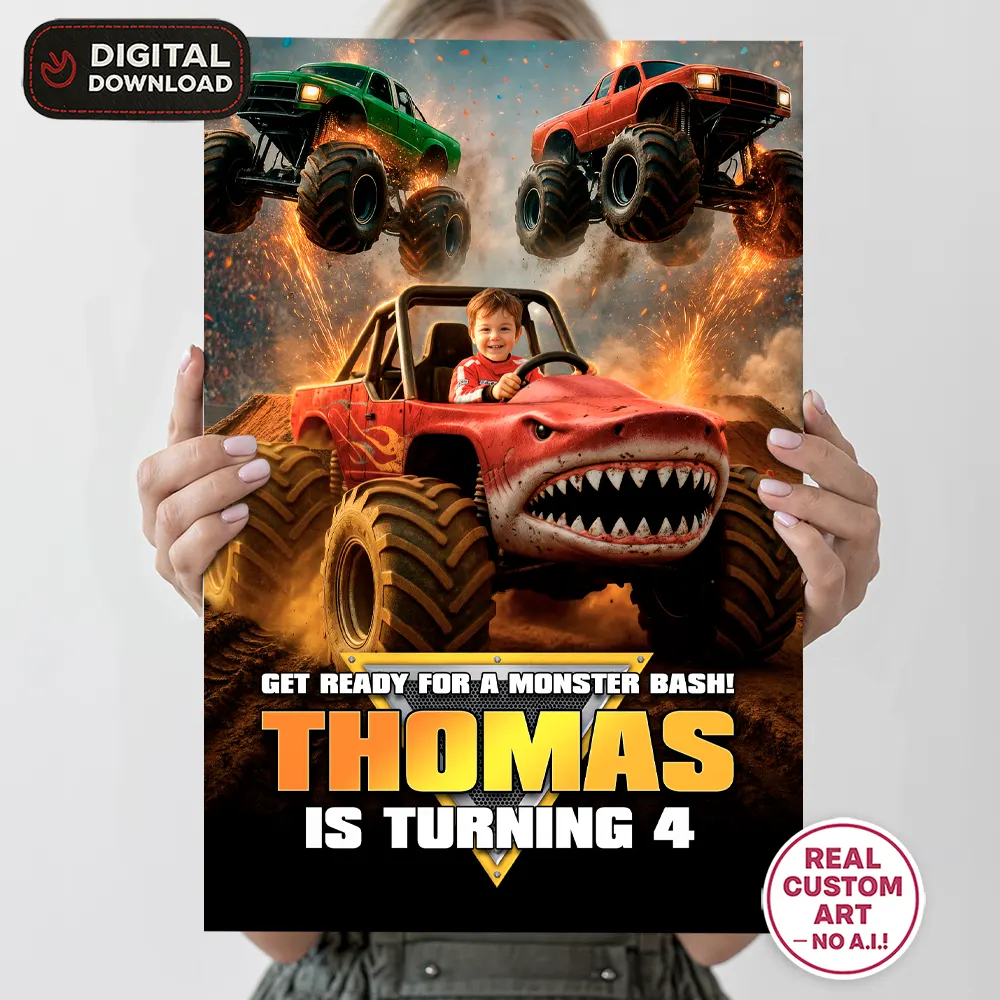
🏢 Print Shop (Recommended)
Advantages:
- Professional-grade printing
- More accurate colors
- Large-format options
- Foam board mounting available
Many families use local print shops or online services with home delivery.
For high-quality results and easy online ordering, we recommend:
👉 Print with Prints of LoveIf you choose a professional printer, make sure to:
- Upload the file at full size.
- Disable automatic scaling.
- Review the preview before confirming.
Common Mistakes When Printing a Welcome Sign
After years of designing these types of signs, these are the most frequent mistakes we see:
❌ Choosing a Size That’s Too Small
The sign loses impact and looks “lost” in the space.
❌ Not Checking Resolution
A low-quality file will appear pixelated when enlarged.
❌ Using Paper That’s Too Thin
It bends or curls easily, especially on an easel.
❌ Not Planning Enough Time
Printing the day before the party increases the risk of last-minute issues.
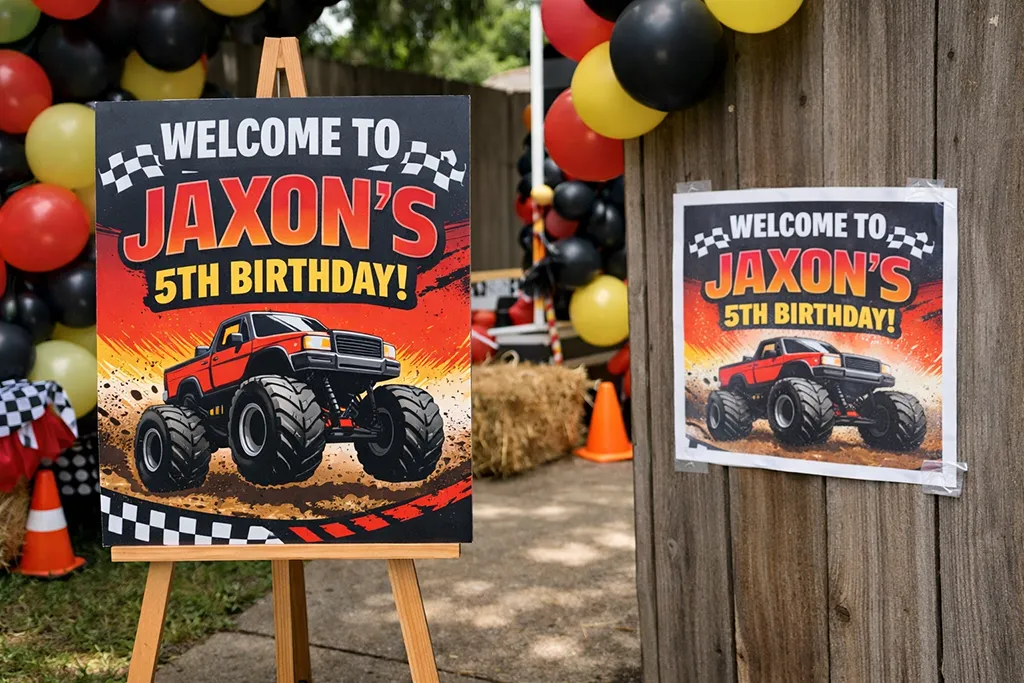
Real-world advice: We always recommend having your welcome sign printed at least 3–4 days before the event. It gives you time to fix any unexpected issues without stress.
Professional Advice From Our Experience
When we design a Monster Truck Welcome Sign, we think about:
- How it will look from 2–3 meters away.
- How it will appear in photos.
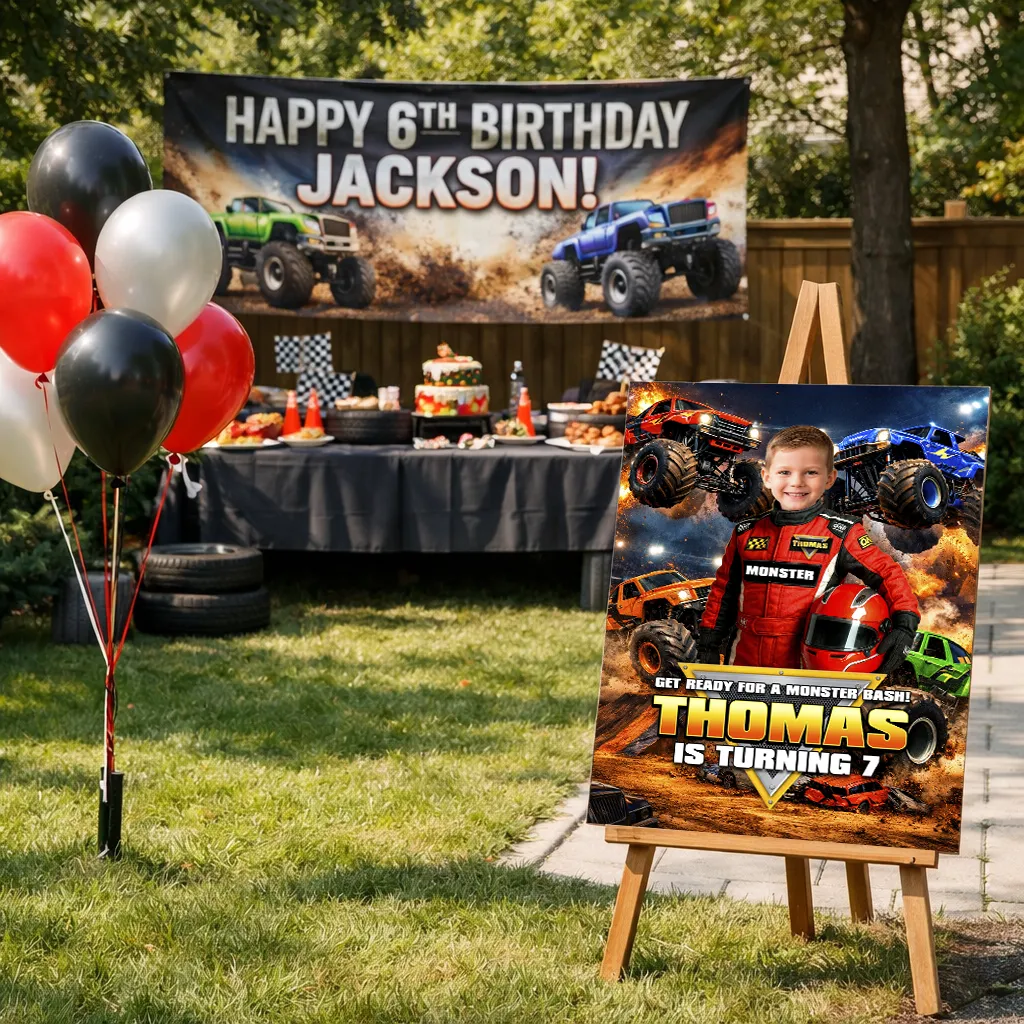
- How it will integrate with the banner and the main cake table.
That’s why visual consistency matters — from the invitation to the welcome sign.
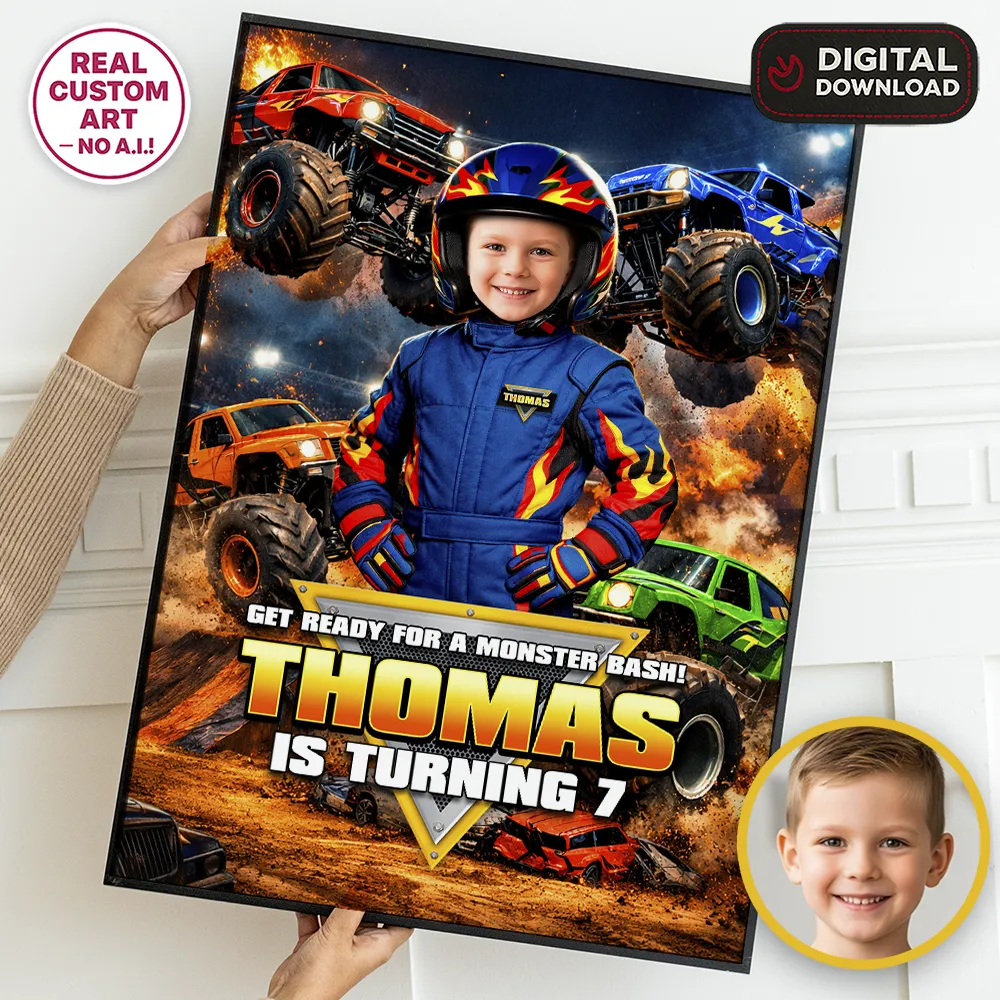
All of our designs are created in high resolution, specifically prepared to look sharp and clean even at large sizes like 24×36 inches. This ensures strong color, crisp detail, and professional results when printed properly.
When the child is fully integrated into the design and the sign is printed correctly, the effect is immediate. It becomes one of those moments where the birthday child recognizes themselves and smiles.
And that moment is what truly matters.
Quick Guide Summary
- ✔ Ideal size: 18×24 or 24×36 inches
- ✔ Recommended material: Foam board
- ✔ Best option: Professional printing
- ✔ Minimum timing: 3–4 days before the event
- ✔ Placement: Easel near the entrance
Strategic Wrap-Up
A properly printed Monster Truck Welcome Sign isn’t just decoration.
It’s the first visual impact of the party.
If you’re looking for a high-resolution design specifically prepared for large-format printing, you can explore our Monster Truck Welcome Sign collection here:
👉 Explore All Monster Truck Welcome SignsAnd if you’re still planning the rest of the event, our complete guide will help you coordinate invitations, banners, and decorations in one cohesive style:
👉 View the Complete Monster Truck Birthday Party Guide